QuickBooks Desktop License Types (2026): Which Is Best?
Table of ContentsThe Three QuickBooks Desktop License Types at a GlanceSubscription Licenses (Pro Plus, Premier Plus & Enterprise)Lifetime (Perpetual) Licenses — A One-Time PurchaseLegacy Licenses (QuickBooks Desktop 2019–2021)Subscription vs Lifetime vs Legacy: The Key...

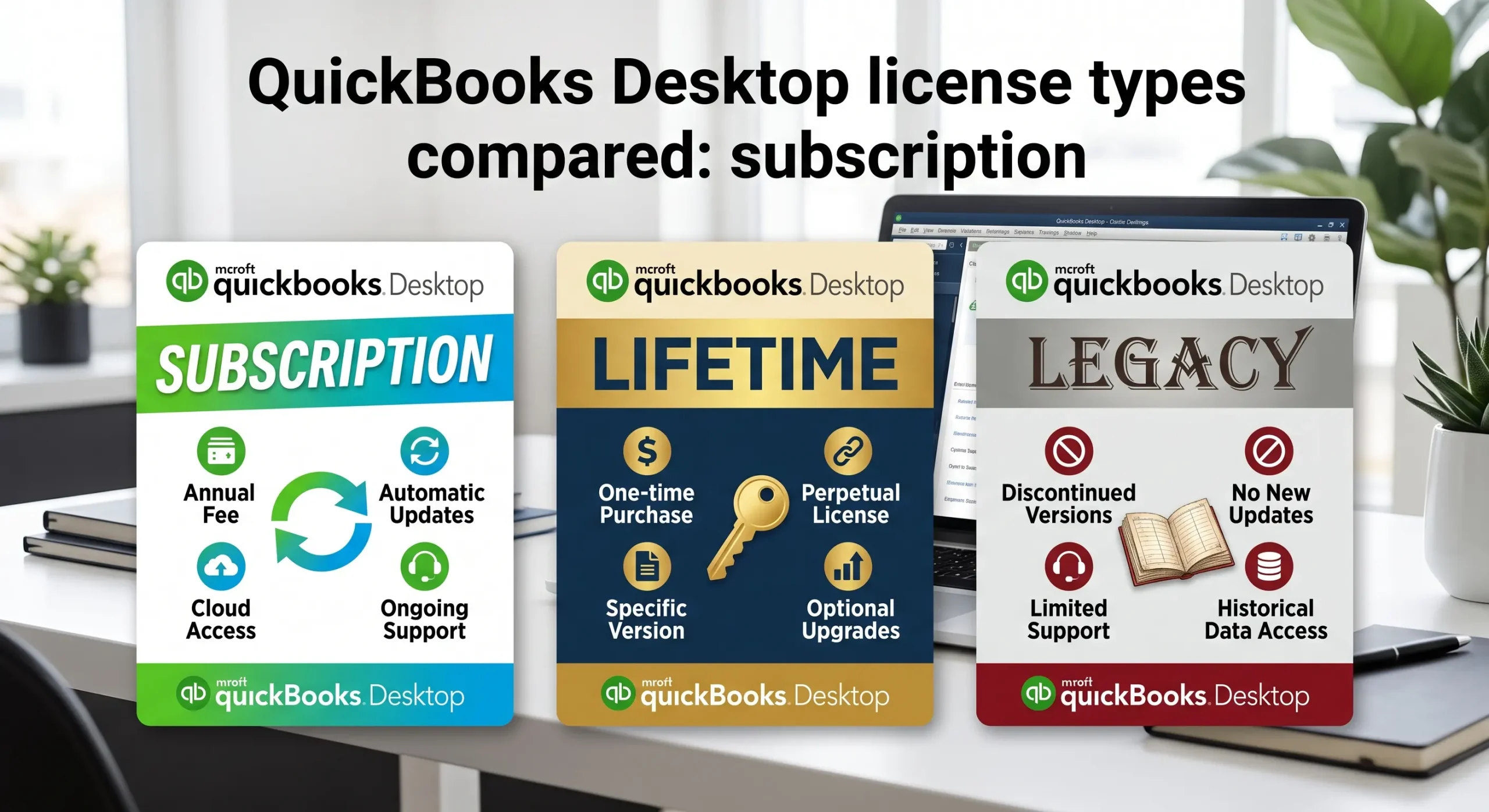
Table of Contents
Choosing accounting software shouldn’t require decoding a maze of pricing terms. Yet if you’ve shopped around lately, you’ve probably run into three very different ways to buy the software — and picking the wrong one can cost you hundreds of dollars or leave you stranded on an unsupported version. Understanding the main QuickBooks Desktop license types is the fastest way to buy with confidence. This guide breaks down the three options you’ll see today — subscription, lifetime (perpetual), and legacy — explains exactly how each one works, and helps you decide which QuickBooks Desktop license fits your business and budget.
Quick Answer
There are three QuickBooks Desktop license types. A subscription license (Pro Plus, Premier Plus, or Enterprise) is billed every year and includes updates and support while it’s active. A lifetime or perpetual license is a one-time purchase you own indefinitely, with no recurring fee. A legacy license is an older perpetual version (2019–2021) sold at a lower one-time price — ideal for straightforward bookkeeping when you don’t need the newest features. Your best choice comes down to whether you value ongoing updates or a lower long-term cost.
| Subscription | Lifetime (Perpetual) | Legacy (2019–2021) | |
| Payment | Annual fee | One-time | One-time (lowest) |
| Ownership | While subscribed | You own the version | You own the version |
| Updates | Yes, included | No feature updates | No feature updates |
| Live support | Yes, while active | Per 3-yr version window | Past support window |
| Payroll / bank feeds | Yes, add-on | Until version sunset | Ended for older years |
| Best for | Newest features, payroll | Pay once, standard books | Tight budget, offline use |
The Three QuickBooks Desktop License Types at a Glance
Every QuickBooks Desktop license falls into one of three buckets: subscription, lifetime (perpetual), or legacy. The big shift to understand is that Intuit now sells most new copies as annual subscriptions, while one-time perpetual and legacy licenses remain available through independent resellers. Each type of QuickBooks Desktop license changes how you pay, whether you own the software, and how long it keeps receiving updates. The sections below unpack each one so you can match a license to the way you actually work.
Subscription Licenses (Pro Plus, Premier Plus & Enterprise)
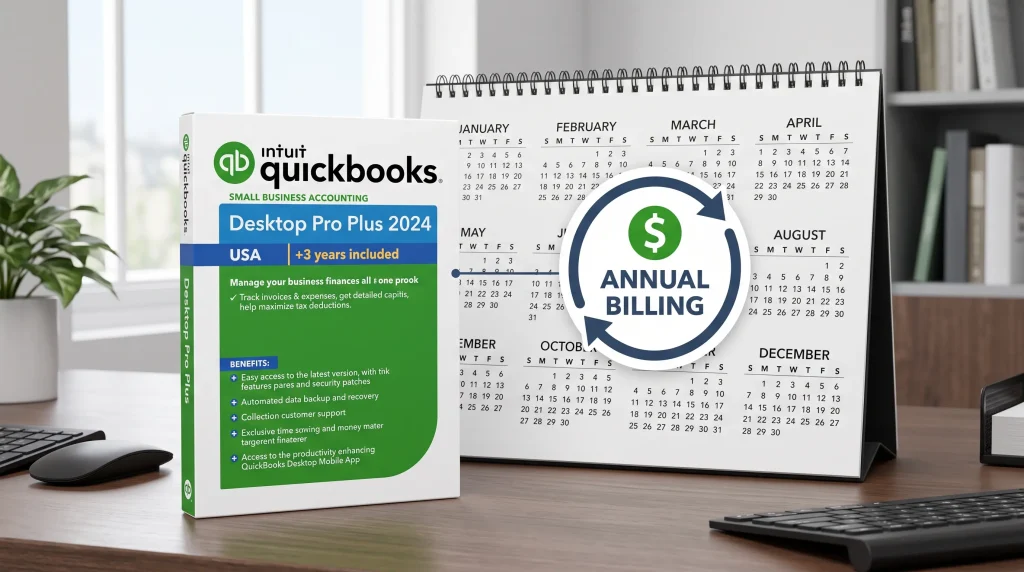
A subscription license is billed once a year and bundles the software with feature updates, live support, and access to add-ons like payroll. This is the model behind QuickBooks Pro Plus, Premier Plus, and QuickBooks Enterprise. As long as you keep paying, you stay on the latest release with connected services running.
There’s an important catch worth knowing before you shop. As of September 30, 2024, Intuit stopped selling new Pro Plus, Premier Plus, and Mac Plus subscriptions to new customers in the United States. Existing subscribers can keep renewing, but QuickBooks Enterprise is now the only edition Intuit still sells new. That change is exactly why many small businesses turn to resellers for a genuine, verified license instead.
Subscription pros and cons:
- Pro: always on the newest version, with live support and payroll tax updates included.
- Pro: easy multi-user scaling, especially with Enterprise for larger teams and advanced inventory.
- Con: recurring cost that rises over time — Intuit raised Desktop prices again on February 1, 2026.
- Con: stop paying and you lose updates and connected services, even though your data stays put.
Lifetime (Perpetual) Licenses — A One-Time Purchase
A lifetime or perpetual QuickBooks Desktop license is a one-time purchase: you pay once, own that version of the software, and never see an annual bill. For businesses that want a predictable cost and don’t need to upgrade every year, it’s often the most economical path. A one-time QuickBooks Desktop Pro 2021 license, for example, activates on Intuit’s servers and runs exactly like the retail version for everyday bookkeeping.
One honest clarification matters here, because the word “lifetime” gets misused. A lifetime license means you own the software version indefinitely — it does not mean lifetime updates or support. Feature updates and connected services still follow Intuit’s roughly three-year support window for each version year. If you mainly need reliable, offline bookkeeping and can live without the newest features, that trade-off is easy to accept.
Lifetime pros and cons:
- Pro: no recurring fee and a lower long-term cost than years of subscription renewals.
- Pro: the software keeps working locally for as long as your computer runs it.
- Con: no new features, and payroll or bank feeds stop when that version reaches its sunset date.

Legacy Licenses (QuickBooks Desktop 2019–2021)
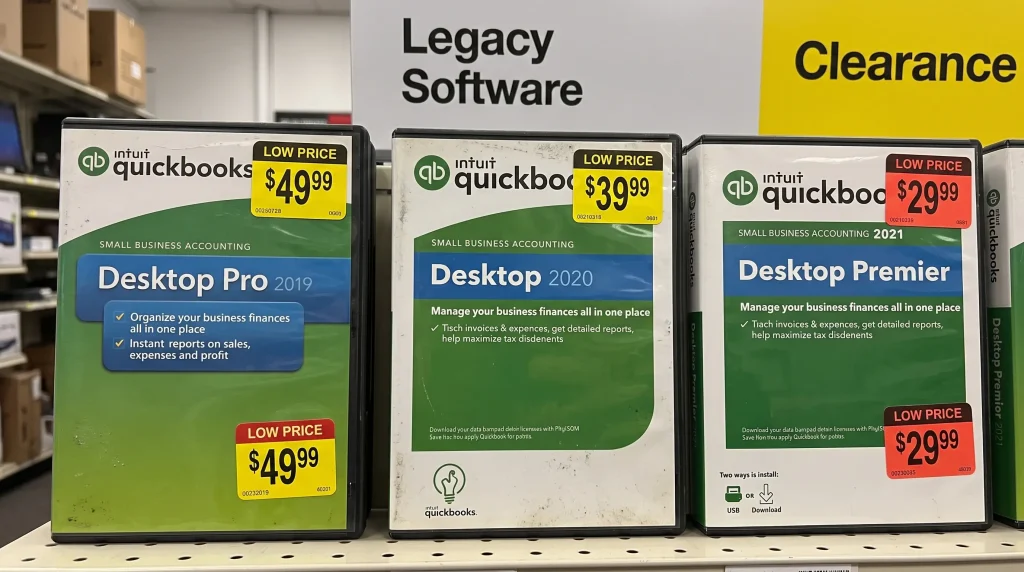
Legacy licenses are the specific older version years — think 2019, 2020, and 2021 — that predate Intuit’s move to subscription-only sales. They’re sold as one-time perpetual licenses at the lowest prices you’ll find, which makes them a favorite for tight budgets and simple needs. A QuickBooks Desktop Pro 2020 or Pro 2019 license still activates on Intuit’s servers and handles core invoicing, expenses, and reporting just like it always did.
The trade-off is support. These version years have passed Intuit’s live-support window, so they won’t receive feature updates, and services that connect to Intuit’s servers — payroll and bank feeds — are no longer available on the oldest builds. For a business that keeps books offline, needs a low-cost extra workstation, or has to open a file created in a specific older version, a legacy license is a practical, budget-friendly answer.
Subscription vs Lifetime vs Legacy: The Key Differences
When you strip away the labels, four factors separate the three QuickBooks Desktop license types:
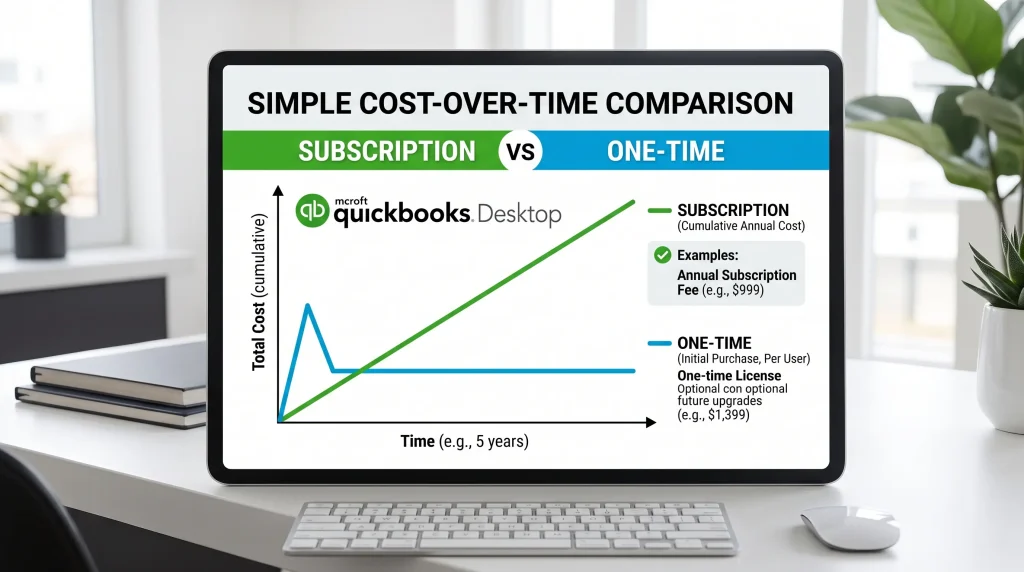
- Cost over time: subscriptions cost less up front but more across several years; perpetual and legacy licenses cost more up front but nothing after.
- Updates: only subscriptions receive ongoing feature updates; perpetual and legacy licenses stay on the version you bought.
- Support and connected services: live support, payroll, and bank feeds run while a subscription is active or until a perpetual version reaches its sunset date.
- Ownership: a subscription is access you rent; a lifetime or legacy license is software you own outright.
It helps to know the sunset schedule too. Intuit gives each version about three years of support: QuickBooks Desktop 2022 support ended on May 31, 2025, 2023 support ends on May 31, 2026, and 2024 — the final release — is supported through September 30, 2027. After those dates the software still opens, but connected features switch off.
Which QuickBooks Desktop License Should You Buy?
Match the QuickBooks Desktop license to your situation:
- Choose a subscription if you need the newest features, payroll, bank feeds, or heavy multi-user access — and step up to QuickBooks Enterprise for advanced inventory or larger teams.
- Choose a lifetime (perpetual) license if you’d rather pay once, avoid recurring fees, and run standard bookkeeping without yearly upgrades.
- Choose a legacy license if you’re on a tight budget, work offline, or need a specific older version year for compatibility.
- On a Mac? look at QuickBooks Mac Plus, the current subscription edition built for macOS.
Not sure which fits? You can compare every QuickBooks Desktop edition side by side, or talk to a licensing specialist who can confirm the right edition and user count for your business.
How Intuit’s 2024 Stop-Sell Changes Your Options
This is the part most license explainers skip. Because Intuit ended new Pro Plus, Premier Plus, and Mac Plus sales for U.S. customers, and because 2024 is the last non-Enterprise version — supported through September 2027 — buying a brand-new subscription of those editions from Intuit is no longer possible for new customers. For small businesses that want QuickBooks Desktop rather than the online version, that leaves two realistic routes: buy Enterprise from Intuit, or get a genuine perpetual or subscription license through a transparent reseller.
That’s the practical reason perpetual and legacy licenses have become so popular. A reseller like Desktop License provides genuine, activation-ready keys with clear delivery and installation guidance, so you can still get the edition you want. When you’re ready to activate, Intuit’s own download page and the CAMPS account portal handle the software and license lookup.
Frequently Asked Questions
Do you have to buy a QuickBooks Desktop license every year?
Only with a subscription. Pro Plus, Premier Plus, and Enterprise renew annually. A lifetime (perpetual) or legacy license is a one-time purchase with no yearly fee.
Does QuickBooks still sell lifetime licenses?
Intuit no longer sells perpetual or lifetime licenses directly — new sales are subscription-based. Genuine one-time perpetual and legacy licenses remain available through independent resellers.
What’s the difference between a perpetual and a legacy license?
Both are one-time purchases you own. “Perpetual” describes the pay-once model in general, while “legacy” refers specifically to older version years (2019–2021) that predate the subscription-only shift and sell for the lowest prices.
Can I still use QuickBooks Desktop after support ends?
Yes. The software keeps opening and running locally after its support window ends, but connected services — payroll tax tables, bank feeds, and security updates — stop working.
Is a one-time QuickBooks license cheaper than a subscription?
Over time, usually yes. A one-time license costs more up front but nothing after, while a subscription keeps billing every year, so the savings grow the longer you keep the software.
Which QuickBooks Desktop license is best for a small business?
The best QuickBooks Desktop license depends on your needs. If you need payroll and the newest features, a subscription fits. If you do standard bookkeeping and want to pay once, a lifetime or legacy license is usually the better value.
Final Thoughts
The three QuickBooks Desktop license types come down to a simple trade-off: a subscription keeps you current for a recurring fee, while a lifetime or legacy license lets you pay once and own the software you use. Decide whether ongoing updates or a lower long-term cost matters more, then match that to your budget and workflow. When you’re ready, you can browse genuine QuickBooks Desktop licenses across every edition, or reach out to a specialist to confirm the right fit before you buy.
Compare current Desktop licenses
Review platform, version year, license type, and included users before ordering.