QuickBooks Desktop for Mac vs Windows: 9 Critical Differences
Table of ContentsQuick AnswerQuickBooks Desktop for Mac vs Windows: Side-by-Side ComparisonWhat Only the Windows Version DoesWhat the Mac Version Does WellMoving Files Between Mac and WindowsThe 2026–2027 Support Timeline You Should KnowHow to Decide:...

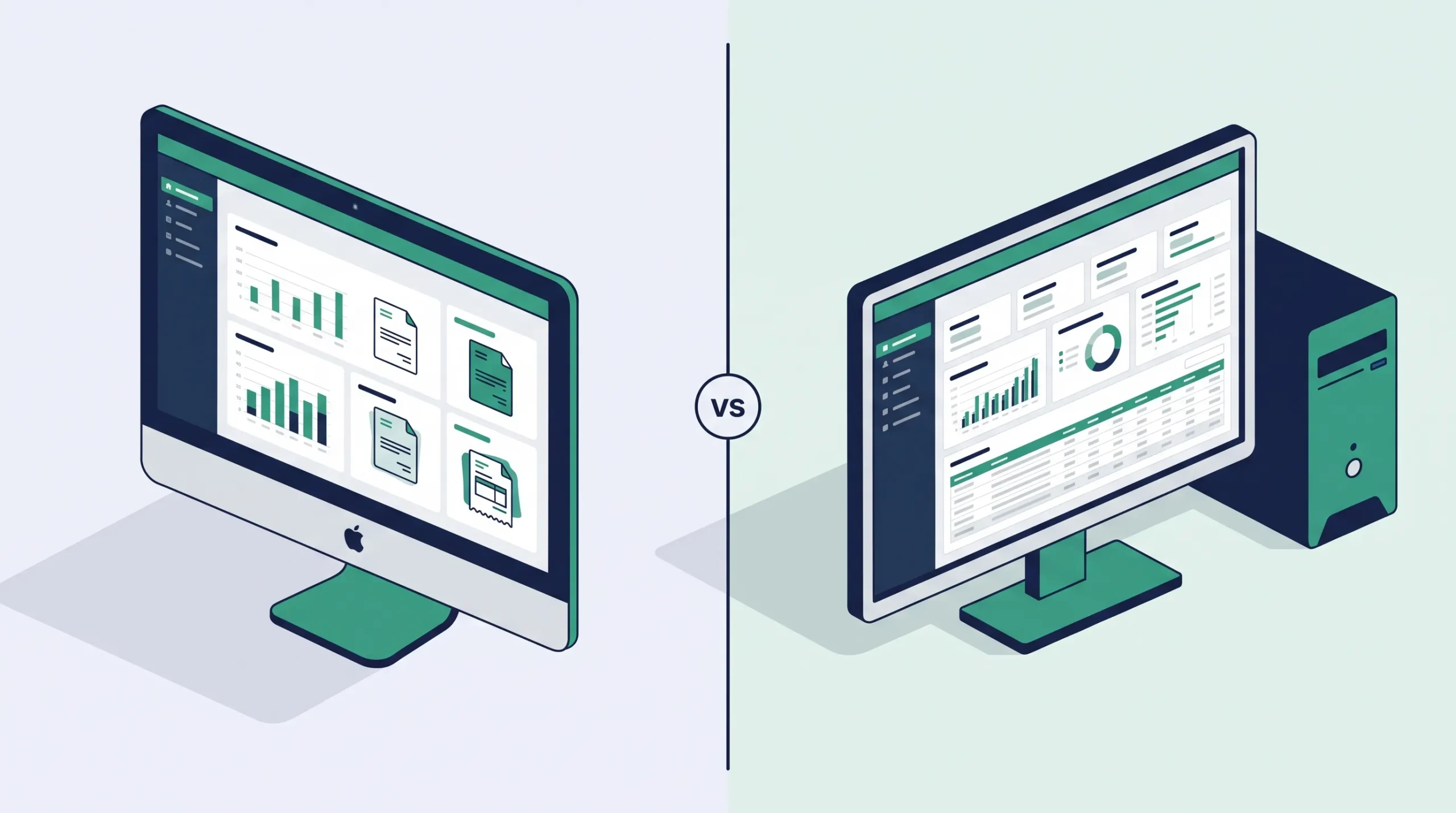
Table of Contents
If you’re choosing between QuickBooks Desktop for Mac vs Windows, the short version is this: they are two different applications, not the same program on two operating systems. The Windows lineup is broad and feature-rich, while the Mac version is a single, streamlined edition built for Apple users who want core accounting without the extras.
That difference matters most when your business needs a specific feature — payroll, multicurrency, industry-specific reports, or more than three users — because several of those live only on the Windows side.
This guide breaks down exactly what’s different, who each version suits, and what to check before you buy, so you don’t end up with the wrong platform for your workflow.
Quick Answer
| QuickBooks Desktop for Windows offers three product tiers (Pro Plus, Premier, and Enterprise), plus built-in payroll, multicurrency, advanced inventory, and six industry editions. QuickBooks for Mac is a single Mac-native edition — roughly comparable to Pro Plus — with no integrated payroll, no multicurrency, and no industry editions. Choose Windows for advanced features or growth; choose Mac for a simple, native Apple experience. |
QuickBooks Desktop for Mac vs Windows: Side-by-Side Comparison
Here’s how the two platforms compare on the features that most often drive the decision:
| Feature | QuickBooks for Mac | QuickBooks Desktop for Windows |
| Editions available | One edition only | Pro Plus, Premier, Enterprise |
| Industry editions | None | 6 (Contractor, Manufacturing & Wholesale, Nonprofit, Retail, Professional Services, General) |
| Max concurrent users | Up to 3 | Up to 40 (Enterprise) |
| Integrated payroll | Not included | Available (Enhanced / Assisted) |
| Multicurrency | Not supported | Supported |
| Advanced inventory | No units of measure or assembly items | Available (esp. Enterprise) |
| Accountant’s Copy | Not available | Available |
| Third-party integrations | Limited | Broad (SDK / App Center) |
| Interface | Native macOS design | Windows-native design |
| Company file format | Mac format | Windows format (conversion needed) |
Sources: Intuit QuickBooks Mac Plus User Guide and Intuit support documentation. Verify current specifics for your release year before purchase.
What Only the Windows Version Does
If your business depends on any of the following, the Windows version is effectively your only native option:
- Integrated payroll — run and file payroll inside QuickBooks. The Mac version has no built-in payroll, so most Mac users export to a third-party provider.
- Multicurrency — invoice and hold balances in more than one currency. The Mac edition doesn’t support multicurrency at all.
- Industry editions — Premier and Enterprise add tailored reports and workflows for contractors, nonprofits, manufacturing, retail, and professional services.
- Advanced inventory — units of measure, assembly items, and (in Enterprise) more advanced inventory management.
- Higher user counts — Enterprise scales up to 40 users, versus a maximum of three on Mac.
- Accountant’s Copy — lets your accountant work in the file while you keep working, then merge changes.
For most of these needs, the practical fit is a Windows edition like QuickBooks Premier category for industry reporting, or QuickBooks Enterprise category for larger teams and advanced inventory.
What the Mac Version Does Well
The Mac edition isn’t a lesser product for everyone — for the right business it’s the better fit:
- Native macOS experience — built around Apple interface conventions, not a ported Windows layout.
- Simplicity — a cleaner, lighter workflow that’s easier for new users to navigate.
- Local company files — your data stays on your Mac, and you can work offline after activation.
- Apple integrations — works with supported Apple services in a way Windows QuickBooks doesn’t.
If your accounting is straightforward — invoicing, expenses, standard reports — and you’d rather stay in a Mac-native app, browse the QuickBooks Mac category or the newer QuickBooks Mac Plus category for a supported release with updates.
Moving Files Between Mac and Windows
The two versions use different company file formats, so a file can’t simply open on the other platform — it has to be converted, and the conversion isn’t always lossless.
According to Intuit’s support documentation, you can convert a Windows company file to Mac only from the Pro, Premier, or Premier Accountant editions, and some data (such as multicurrency settings that Mac doesn’t support) won’t carry over. Convert a QuickBooks for Windows file to Mac.
Because conversion can drop data, always back up your file first. For a safe step-by-step process, see our migration / backup guide once published.
The 2026–2027 Support Timeline You Should Know
There’s an important time factor in this decision right now. Intuit has wound down the Mac line, so the support window is shorter than for the Windows editions.
- Mac Plus 2024 is the final Mac version and is supported through September 30, 2027, after which connected services like payroll, bank feeds, and security updates stop working.
- Mac Desktop 2023 support ends May 31, 2026.
- Intuit stopped selling new Mac Plus subscriptions to U.S. customers on September 30, 2024, though existing subscribers can continue renewing for now.
The software won’t stop opening on those dates, but running without security updates or payroll tax tables isn’t advisable long-term. reputable source on Mac support timeline, e.g. Parallels.
If you’re buying today, weigh how long you need the software supported. A Windows edition generally gives you a longer runway; a Mac edition gives you a native experience for a defined window.
How to Decide: Which One Is Right for You?
Choose QuickBooks for Mac if…
- You work in a Mac-only environment and want a native app.
- Your accounting is core bookkeeping: invoices, expenses, standard reports.
- You have three or fewer users and don’t need payroll or multicurrency inside QuickBooks.
Choose QuickBooks Desktop for Windows if…
- You need integrated payroll, multicurrency, or advanced inventory.
- Your industry benefits from a Premier or Enterprise edition.
- You expect to grow beyond three users.
- You exchange files regularly with an accountant on Windows.
Still unsure? Our Support page team can help you match an edition to your Mac model, macOS version, and workflow before you order.
Frequently Asked Questions
Is QuickBooks for Mac the same as the Windows version?
No. They are two separate applications with different interfaces and feature sets. The Mac version is a single edition roughly comparable to Windows Pro Plus, while Windows offers Pro Plus, Premier, and Enterprise.
Does QuickBooks for Mac include payroll?
No. Integrated payroll is a Windows feature. Most Mac users handle payroll through a third-party provider or outside QuickBooks.
Can I move my company file from Windows to Mac?
Yes, but it requires a conversion, and it’s only supported from Pro, Premier, or Premier Accountant editions. Some data won’t carry over, so back up first.
Does QuickBooks for Mac support multiple currencies?
No. Multicurrency isn’t supported on the Mac version. If you invoice in more than one currency, you’ll need the Windows version.
How many users can QuickBooks for Mac support?
Supported Mac releases allow up to three concurrent users. Windows Enterprise scales up to 40.
Is QuickBooks Desktop for Mac being discontinued?
Intuit has wound down the Mac line. Mac Plus 2024 is the final version, supported through September 30, 2027; Intuit stopped selling new Mac Plus subscriptions to U.S. customers on September 30, 2024.
Can I run the Windows version of QuickBooks on a Mac?
Yes — many users run Windows QuickBooks on a Mac through virtualization software to access features the Mac version lacks. It requires a Windows license and a virtualization app.
The Bottom Line
QuickBooks Desktop for Mac vs Windows comes down to depth versus fit. Windows gives you more editions, more features, and a longer support runway. Mac gives you a clean, native Apple experience for straightforward accounting. Match the version to the features you actually use — not the logo on your laptop — and you’ll pick the right one.
Ready to choose? Compare current licenses on our Shop page, or read the FAQ page for ordering and delivery details.
Compare current Desktop licenses
Review platform, version year, license type, and included users before ordering.